Download Cisco Packet Tracer (Windows, Linux & macOS)
Cisco Packet Tracer is a free network configuration and simulation tool from Cisco. Build, configure, and troubleshoot virtual networks — routers, switches, firewalls, IoT devices — without needing real hardware. It's the standard tool used across Cisco's CCNA/CCNP training and Networking Academy courses.
⚠️ Note: Cisco no longer publishes permanent direct-download links. Every download goes through Cisco's official NetAcad Resource Hub and requires a free account. This guide walks through the full process.
📥 Download & Installation
Step 1 — Create a free Cisco account
- Go to Cisco Networking Academy
- Sign up for free — no course purchase required
- You can also sign in via Google SSO
Step 2 — Go to the Resource Hub
- Once logged in, go to netacad.com/resources/lab-downloads
- This is Cisco's official hub for Packet Tracer and other lab downloads
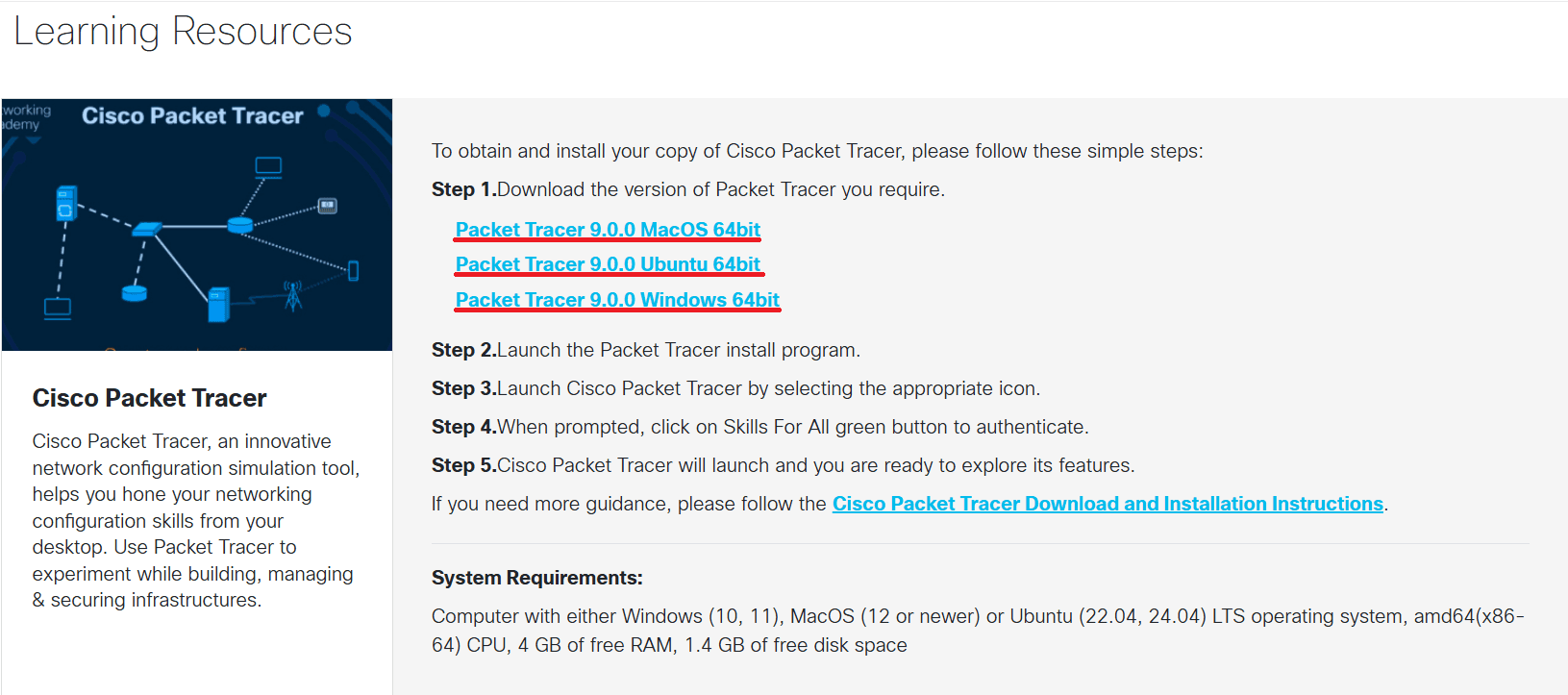
- Find Cisco Packet Tracer in the list and select the installer for your OS:
- Windows 64-bit (.exe)
- macOS 64-bit (.dmg)
- Ubuntu 64-bit (.deb)
💡 Tip: The exact file link changes with every release — that's why it's hard to find directly. Bookmark the Resource Hub page above rather than any specific file URL, so you always land on the current version.
Step 3 — Install for your OS
Windows
- Run the downloaded .exe
- Accept the license agreement
- Choose an install location and click through to Install
macOS
- Open the downloaded .dmg
- Drag Cisco Packet Tracer into Applications
- Launch it from the Applications folder
Ubuntu / Linux
-
Open a terminal in your Downloads folder
-
Run:
sudo apt-get install ./CiscoPacketTracer_<version>_Ubuntu_64bit.deb -
Replace
<version>with your downloaded Packet Tracer version -
Use Tab + Enter to accept the license agreement if prompted
⚠️ Mouse input doesn't work during this CLI step
Step 4 — Sign in inside the app
- On first launch, Packet Tracer shows a login screen
- Use the same Cisco / NetAcad account created in Step 1
- Toggle "Keep me logged in" if you're on a personal device
Step 5 — You're ready
Packet Tracer opens fully and you can start building network topologies.
⚙️ System Requirements (Packet Tracer 9.0.0)
| OS | Supported Versions |
|---|---|
| Windows | 10, 11 |
| macOS | 12 or newer |
| Ubuntu | 22.04, 24.04 LTS |
- CPU: amd64 (x86-64)
- RAM: 4 GB free minimum
- Disk space: 1.4 GB free
📝 Notes
- Always download from netacad.com — never from third-party mirrors or torrents
- Cisco publishes SHA256 checksums on the Resource Hub page if you want to verify your download
- Stuck? Cisco's official Download and Installation Instructions PDF covers every OS step-by-step with screenshots